 Everscroll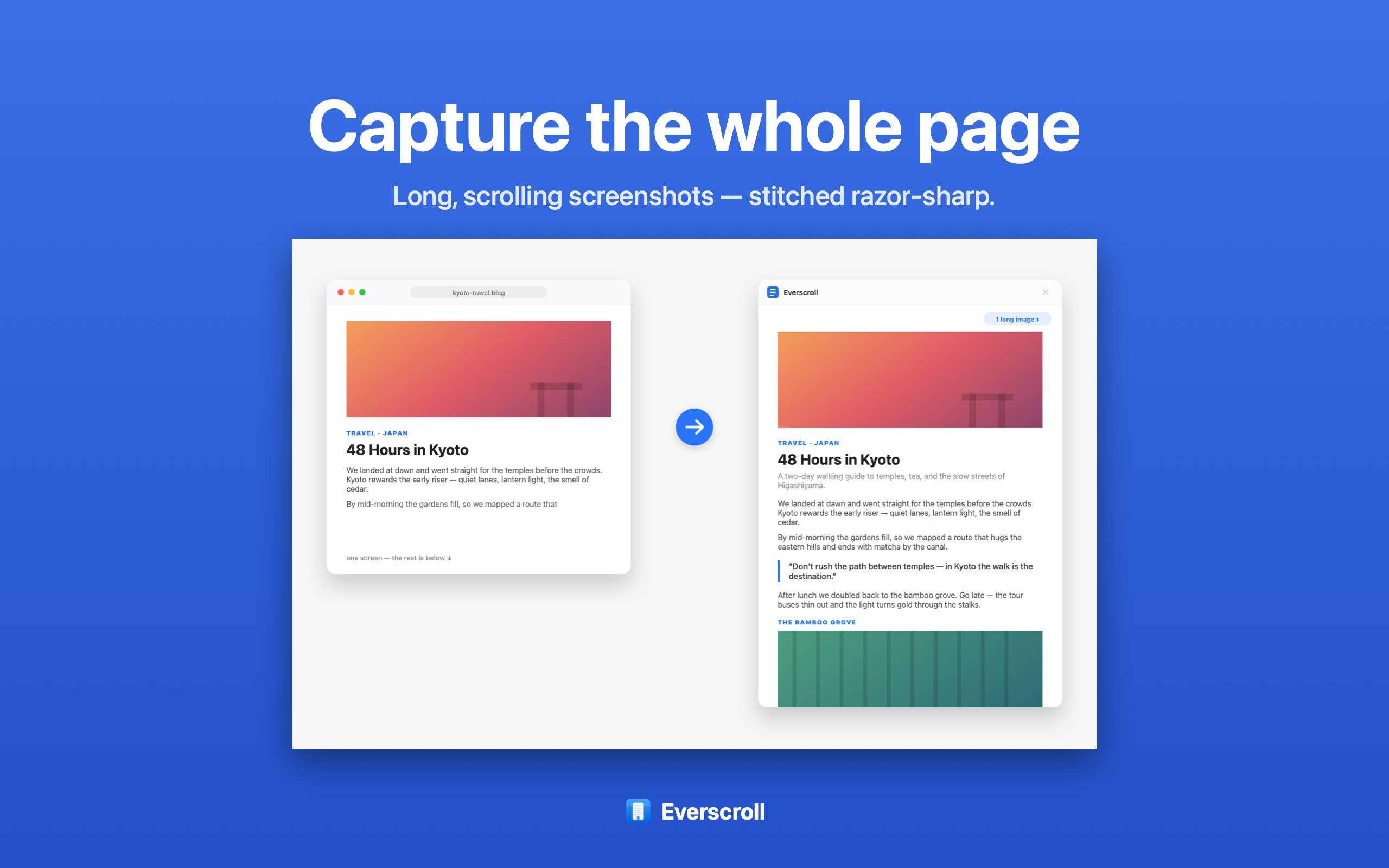
Choose based on the job after capture
Many Mac screenshot tools are good at fast visible-screen capture. The harder question is what happens when the thing you need is taller than the screen: a support thread, a long web page, a documentation page, a receipt, a product listing, or a chat that needs context from top to bottom.
Everscroll is built around that long-capture workflow. Select a scrollable area, scroll, and keep the complete result as one image. After that, the app helps with the next jobs people usually need: copying text with OCR, exporting a searchable PDF, redacting private details, annotating, or splitting the long image into carousel slides.
Everscroll is not affiliated with CleanShot. This page exists for people comparing Mac screenshot workflows and deciding which tool fits a long scrolling capture use case.
What to compare
- Do you mainly capture visible windows, or long content that needs stitching?
- Do you need the screenshot to become searchable text or a searchable PDF?
- Do you share long captures as social slides or mobile-friendly walkthroughs?
- Does the workflow need to stay local, with no account and no screenshot upload?
- Do you need redaction before sending the image to someone else?
Where Everscroll fits
Long capture first
Capture pages, chats, docs, code, and threads that do not fit on screen.
Useful outputs
Turn a capture into OCR text, a searchable PDF, or carousel slides.
Local by default
No account and no upload for the screenshot workflow.
Related workflows
Start with scrolling screenshot on Mac for capture basics. Use screenshot OCR on Mac if text extraction matters, or long screenshot to carousel if the output is a social post.